Hyper-local Soil and Rain Data in Home Assistant with Precip.ai

Whether you are a data nerd or just someone trying to keep a lawn alive, weather data is the backbone of many home automations. However, most weather integrations in Home Assistant rely on forecasts or regional airport stations that might be miles away.
In the fall, I started a project to overseed my lawn, and I needed two very specific data points to ensure success:
- Soil Temperature: Grass seed won't germinate if the soil is too cold. It was already a bit late, so I wanted to make sure there was enough time before it got too cold.
- Recent Precipitation: To determine exactly how much supplemental irrigation is needed without overwatering. Keeping the seed moist is critically important to getting good germination rates, so I was keen to make sure I was water enough, without wasting water when it already rained enough.
To get this data with the precision I needed, I turned to Precip.ai.
Why Precip.ai?
Most weather services are predictive—they tell you what might happen. Precip.ai is different because it focuses on observations. By combining high-resolution NOAA radar, satellite data, and a network of ground stations, they provide a "virtual rain gauge" for your exact coordinates.
What sets them apart is their hyper-local accuracy (down to 1km resolution) and specialized data layers like soil temperature and moisture. According to their benchmarks, their observation-based models are significantly more accurate than standard forecasts because they measure what actually happened on the ground.
Bringing the Data into Home Assistant
While Precip.ai doesn't have a native Home Assistant integration yet, they provide a well-documented and developer-friendly API. This makes it easy to pull data directly into Home Assistant using the REST Sensor integration.
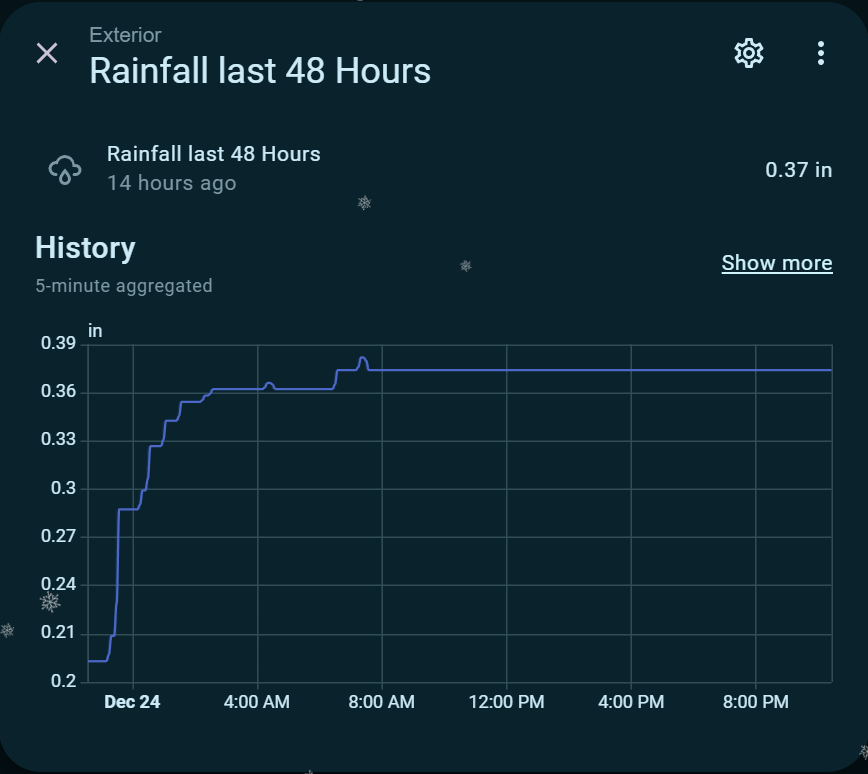
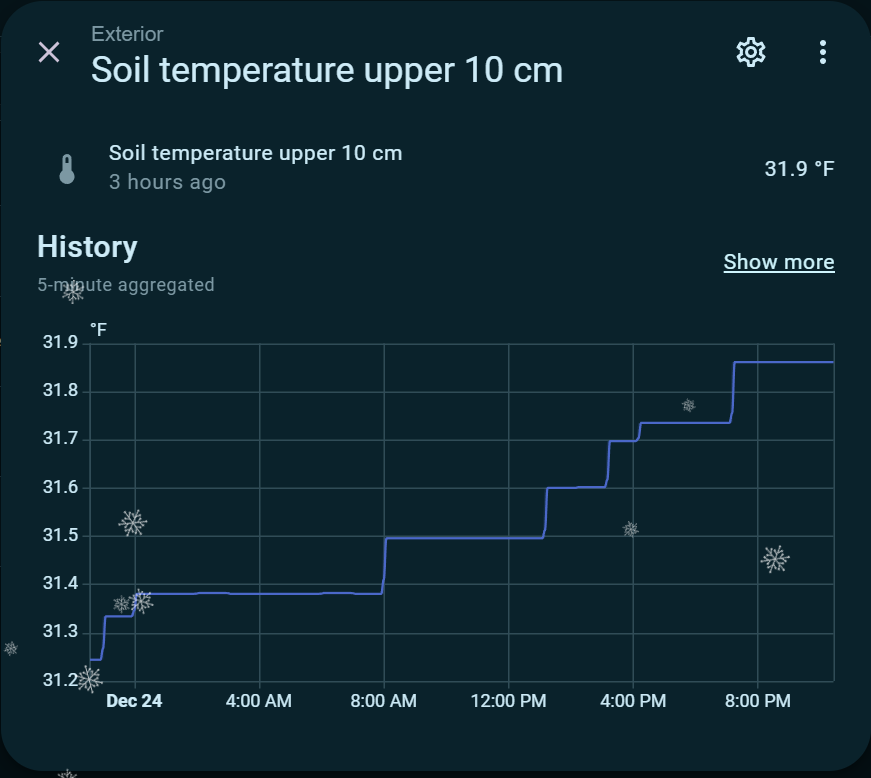
I’ve set up two sensors: one to track rainfall over the last 48 hours and another to monitor the soil temperature in the upper 10cm.
The Configuration
You can add the following to your configuration.yaml (or your sensors file). Just make sure to replace YOUR_SECRET_HERE with your API key and update the latitude and longitude to your specific location.
sensor:
  - platform: rest
    name: "Rainfall last 48 Hours"
    resource: "https://api.precip.ai/api/v1/last-48?longitude=12345&latitude=6789&timeZoneId=America/New_York&format=json"
    method: GET
    headers:
      Authorization: "Bearer YOUR_SECRET_HERE"
      Accept: "application/json"
    scan_interval: 900 # Every 15 minutes
    value_template: >
      {% if value_json is iterable and value_json | length > 0 %}
        {{ value_json[0].rain | float(0) }}
      {% else %}
        0
      {% endif %}
    unit_of_measurement: "mm"
    icon: "mdi:weather-rainy"
    unique_id: "rainfall_last_48h"
    state_class: measurement
    device_class: precipitation

  - platform: rest
    name: "Soil temperature upper 10 cm"
    resource: "https://api.precip.ai/api/v1/temp-0-10cm-hourly?longitude=12345&latitude=6789&timeZoneId=America/New_York&format=json"
    method: GET
    headers:
      Authorization: "Bearer YOUR_SECRET_HERE"
      Accept: "application/json"
    scan_interval: 900
    value_template: >
      {% set data = value_json[0].hours %}
      {% if data is iterable and data | length > 0 %}
        {{ data[-1]['soil_temp'] | float(0) }}
      {% else %}
        0
      {% endif %}
    unit_of_measurement: "°C"
    icon: "mdi:thermometer"
    unique_id: "soil_temp_0_10cm"
    state_class: measurement
    device_class: temperature
    json_attributes_path: "$[0].hours[-1]"
    json_attributes:
      - startTime
Automating the Results
With these sensors in place, I can now build smarter logic for my irrigation system. For example:
- Conditional Irrigation: If
Rainfall last 48 Hoursis greater than 10mm, skip the morning watering cycle. - Germination Alerts: Send a mobile notification when the
Soil temperatureconsistently stays above the 10°C (50°F) threshold required for my grass variety to grow.
Using observation-based data removes the guesswork of "did it rain enough?" and replaces it with actual ground-truth data. If you’re looking to level up your garden or lawn automation, I highly recommend giving Precip.ai a look.